Carlos Delgado

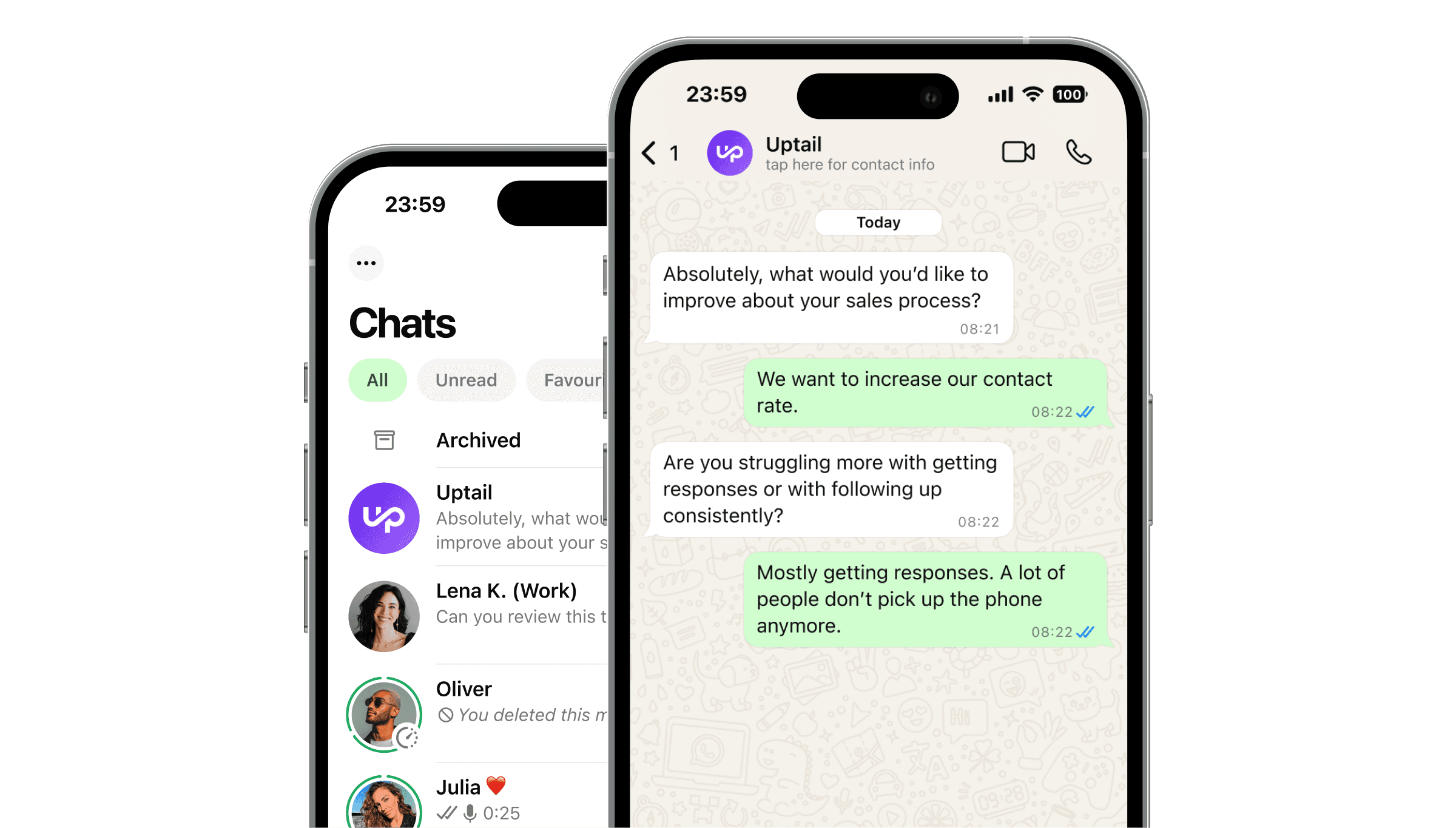
A WhatsApp AI agent for small business is a software program connected to the WhatsApp Business API that handles customer conversations automatically (responding to enquiries, qualifying leads, booking appointments, and escalating to a human when needed) without requiring a full-time team to manage every message.
For small businesses, the right WhatsApp AI agent means faster response times, consistent follow-up on every lead, and the ability to handle customer communication outside office hours without additional headcount. The best choice depends on your use case, your technical capacity, and how much ongoing management you want to handle yourself.
Quick Answer
The best WhatsApp AI agent for a small business is one that connects to the WhatsApp Business API, handles your specific use case (lead qualification, appointment booking, or customer support), integrates with your existing CRM or calendar, and can be set up and managed without a dedicated technical team. For most small businesses, a managed solution, where the provider builds and optimises the agent for you, is faster and lower risk than a self-serve platform you configure yourself. Key factors to compare: response quality, integration depth, human handoff capability, pricing model, and time to launch.
What Does a WhatsApp AI Agent Do for a Small Business?
A WhatsApp AI agent handles the parts of customer communication that are repetitive, time-sensitive, or happen outside the hours your team is available. For a small business, this typically means:
Responding to inbound enquiries instantly, regardless of when they arrive
Qualifying leads with 1–2 questions to separate serious prospects from casual browsers
Booking appointments directly inside the WhatsApp conversation, without the customer needing to visit a separate page
Answering common questions about pricing, availability, location, and services
Following up automatically with leads who do not respond to the first message
Escalating to a human when the conversation requires judgment, with the full chat history attached
For a small business owner or a team of 2–5 people, this means spending less time on first-contact messages and more time on the conversations that actually require a human.
What to Look for in a WhatsApp AI Agent for Small Business
Ease of Setup
Small businesses rarely have a dedicated technical team. Look for a platform that handles the WhatsApp Business API setup for you, including number verification and Meta compliance. Managed solutions do this as part of onboarding. Self-serve platforms require you to navigate API access yourself, which adds time and complexity.
Fit for Your Use Case
Not all WhatsApp AI agents are built for the same purpose. Some are optimised for lead qualification and sales. Others focus on appointment booking, customer support, or e-commerce. Match the platform to your primary use case rather than choosing a general-purpose tool and hoping it fits.
Human Handoff with Chat History
For a small business, the AI agent handles volume; the human handles complexity. The handoff between the two must be seamless. When the agent transfers a conversation to you or a team member, the full chat history should be visible in the same thread. No context lost, no customer asked to repeat themselves.
CRM and Calendar Integration
If you use a CRM to manage leads or a calendar for bookings, the AI agent should connect to both. Lead data collected during the WhatsApp conversation should appear in your CRM automatically. Appointment bookings should create calendar entries in real time. Manual data entry between systems defeats the purpose of automation.
Pricing Model
For small businesses, cash flow matters. A flat monthly subscription is predictable but represents a fixed cost whether the agent delivers or not. Pay per performance, where you pay per qualified lead or booked appointment. is lower risk because your cost is always tied to an outcome. Compare both models against your expected volume and conversion rate.
Response Quality
Test the agent before committing. Send it the kinds of messages your customers actually send, including off-script questions, ambiguous requests, and complaints. A good AI agent handles these gracefully. A poor one breaks or responds with generic, unhelpful answers that damage your brand.
Types of WhatsApp AI Agent Platforms for Small Business
Managed Solutions
A managed provider builds, trains, and maintains the AI agent for you. You provide information about your business, your customers, and your goals. The provider configures the agent, integrates it with your systems, and handles ongoing optimisation.
Best for: Small businesses without technical staff, businesses that want to launch quickly, and use cases where agent quality is critical (sales, lead generation, high-value appointments).
Trade-off: Higher per-outcome or monthly cost than self-serve, less direct control over the agent configuration.
Self-Serve No-Code Platforms
Self-serve platforms provide a builder interface where you create conversation flows, set up integrations, and manage the agent yourself. No coding is required, but you need to invest time in building and testing the flows.
Best for: Small businesses with a tech-comfortable owner or team member, simple and predictable use cases (e.g. a fixed menu of services with a standard booking flow), and businesses that want full control over the agent.
Trade-off: Requires ongoing time investment to build, test, and optimise. Quality depends on how well you configure the flows.
AI-Enhanced Inbox Tools
Some platforms provide a shared inbox for managing WhatsApp conversations across a small team, with AI features layered on top: suggested replies, auto-responses to common questions, and basic lead tagging. These are not fully autonomous AI agents but provide automation assistance for a team that still handles conversations manually.
Best for: Small businesses that want to improve team efficiency without full automation, or as a stepping stone toward a fully automated AI agent.
Trade-off: Requires human agents to remain in the loop. Does not solve the after-hours response problem.
How to Set Up a WhatsApp AI Agent for Your Small Business
1. Define Your Primary Use Case
Before choosing a platform, decide what you want the AI agent to do. The three most common small business use cases are: responding to new lead enquiries and booking sales calls; handling appointment scheduling for service businesses; and answering customer support questions for e-commerce or local businesses. Your use case determines which platform type and configuration is right for you.
2. Get Access to the WhatsApp Business API
The free WhatsApp Business app does not support AI agent integration. You need the WhatsApp Business API, accessed through a Meta-approved Business Solution Provider (BSP). If you choose a managed platform, they handle this for you. If you choose a self-serve platform, check whether API access is included or whether you need to set it up separately.
3. Prepare Your Business Information
The AI agent needs to know your business: what you offer, your pricing (or how to handle pricing questions), your location and hours, your booking process, and the questions your customers most commonly ask. Gather this information before onboarding. The clearer your inputs, the better the agent performs from day one.
4. Connect Your Systems
Integrate the agent with your CRM and calendar. At minimum, lead data should flow into your CRM automatically and bookings should create calendar entries. If you do not currently use a CRM, this is a good moment to set one up, HubSpot's free tier works well for most small businesses.
5. Define Your Escalation Rules
Decide which situations should always go to a human: pricing negotiations, complaints, questions about specific clients, or anything that requires judgment you cannot pre-programme. Set these as escalation triggers in your agent configuration.
6. Test Before Going Live
Send the agent the full range of messages your customers might send, including the unusual ones. Check every path: what happens when a customer asks something off-script, when they want to cancel, when they ask for a human, when they send a voice note instead of text. Fix the gaps before launch.
7. Monitor and Improve
After launch, review conversations weekly in the first month. Look for recurring questions the agent handles poorly, escalation triggers that fire too often or not enough, and drop-off points in the qualification flow. Most agents improve significantly in the first 30 days with small adjustments.
Common Questions Small Businesses Have Before Getting Started
Do I need to change my WhatsApp number?
No. The AI agent connects to your existing WhatsApp Business number. Your customers message the same number they already have, and the agent responds on your behalf.
Will customers know they are talking to an AI?
This depends on how you configure the agent. Most businesses give the agent a name and a persona that matches their brand. Some disclose upfront that the first contact is automated; others do not. Best practice is to disclose when the customer asks directly or when the conversation escalates to a human.
What if I only get a few messages a day?
WhatsApp AI agents are valuable even at low volume because the value is in speed and consistency, not just scale. A lead that messages you at 9pm on a Sunday and gets a response within 60 seconds is far more likely to convert than one that waits until Monday morning. At low volume, a pay per performance model ensures you only pay when outcomes are delivered.
Can I handle messages myself when I want to?
Yes. Most platforms include a shared inbox where you can take over any conversation manually, pause the AI agent for a specific thread, and resume automation once you have finished. You remain in control.