
Carlos Delgado
Every sales director evaluating a WhatsApp AI agent eventually asks the same question. "How long does this take to launch?" Most vendors say a few days. Most teams expect a few months. The real answer sits in the middle and depends almost entirely on Meta's approval queues and your team's preparation.
A standard WhatsApp Business API onboarding takes 3 to 10 business days. The full agent deployment, including configuration and integration, typically runs 2 to 4 weeks from kickoff. Teams that come prepared launch faster. Teams that figure it out as they go drift toward two months without realising it.
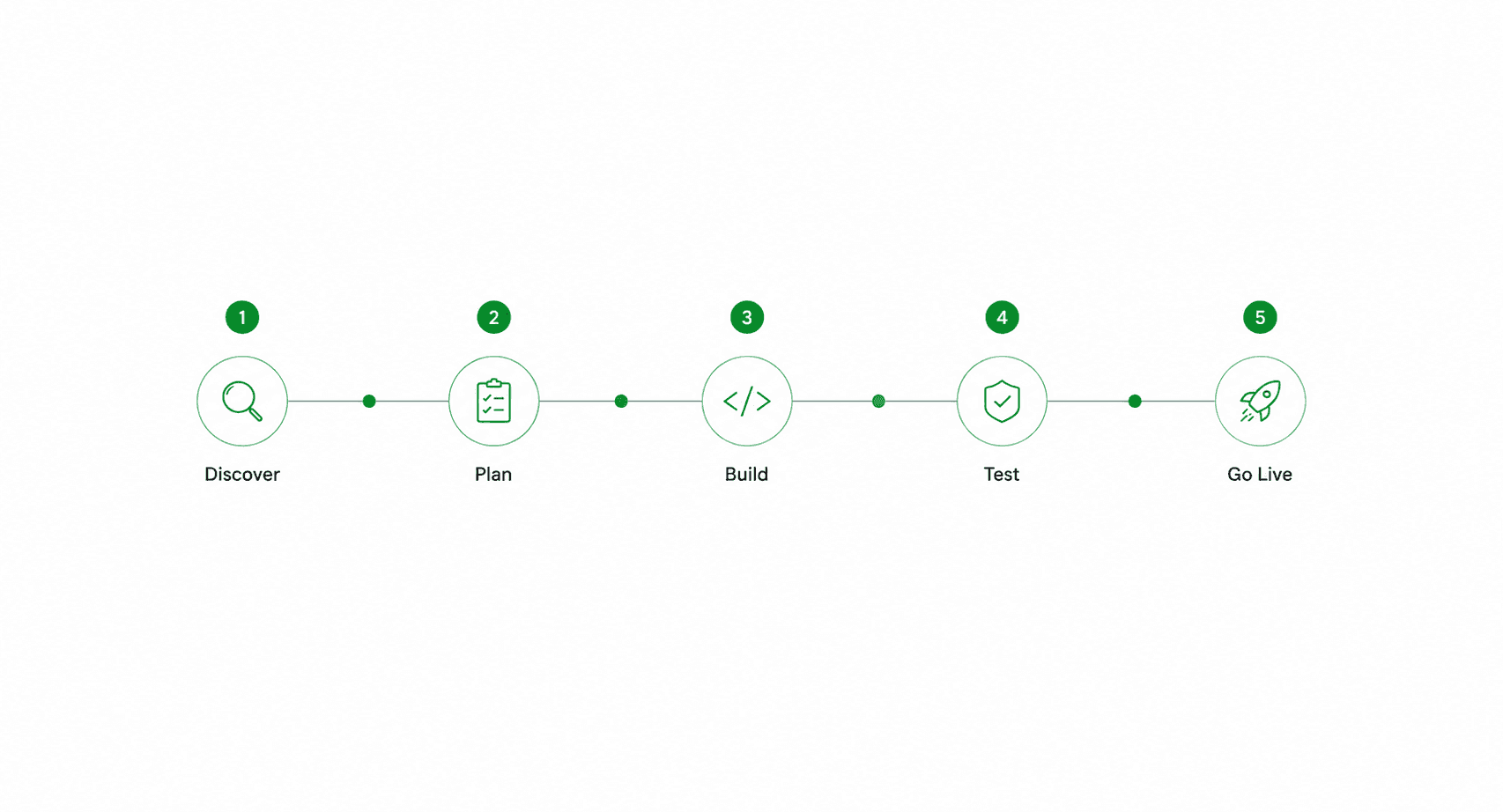
This is the realistic, phase-by-phase breakdown.
Quick Answer
A standard WhatsApp AI deployment takes 2 to 4 weeks from kickoff to live: 2 to 5 business days for Meta Business Verification, hours to 1 day for WhatsApp Business Account setup, 1 to 3 days for display name approval, minutes to 48 hours for template approvals, and 1 to 2 weeks for AI agent configuration, CRM integration, and QA. Pay-per-performance vendors often go live faster because there is no procurement cycle for software cost approval.
The Realistic Timeline by Phase (with Meta's Actual SLAs)
Most of the timeline variance comes from two places: Meta's verification queues, and the customer's CRM access. Everything else is predictable.
Phase | Duration | What Blocks It | Owner |
|---|---|---|---|
1. Discovery and scoping | 2-5 business days | Internal alignment, use case decision | You |
2. Meta Business Verification | 2-5 business days | Meta review queue, document completeness | Meta (you submit) |
3. WABA + number provisioning | Hours to 1 day | Number type (API-ready vs Business app) | BSP / vendor |
4. Display name approval | Same day to 3 days | Meta review | Meta |
5. Template approval | Minutes to 48 hours | Template compliance with Meta policy | Meta |
6. AI agent configuration | 3-7 days | Qualification logic, brand voice setup | You + vendor |
7. CRM integration | 1-3 days | Salesforce/HubSpot admin access | Your IT |
8. QA and pilot | 2-5 days | Internal testing capacity | You + vendor |
Most templates approve within 24 hours through Meta's machine-learning triage. Complex or non-compliant templates route to human review and can take up to 48 hours. If a template sits in pending status for more than 48 hours, open a support ticket.
Display name verification is faster than most teams expect once Meta Business Verification is complete. The display name shows in the chat header and signals trust, so it is worth getting approved before any pilot conversations go live.
Step-by-Step: What Happens Each Week
Week 1: Discovery, scope lock, Meta Business Verification submitted: This is the most important week and the most commonly under-invested one. Define the use cases (qualification, booking, support), the qualification logic, and the handoff rules. Submit Meta Business Verification documents in parallel. If verification is already done from prior Meta usage, this week shortens dramatically.
Week 2: WABA setup, display name approved, AI agent configuration starts: Once Meta Business Verification is approved, the BSP (Business Solution Provider) provisions the WhatsApp Business Account against your dedicated phone number. This step often takes hours, not days. The display name review starts the same day. While that processes, the AI agent's conversation flows, qualification questions, and brand voice are being configured in parallel.
Week 3: Template approval, CRM integration, internal QA: Templates for outbound messages (re-engagement, appointment reminders, post-meeting follow-ups) are submitted. Most approve within 24 hours. CRM integration (Salesforce, HubSpot, Zoho) is configured in parallel, typically a 1-3 day exercise depending on the complexity of the customer's existing CRM setup. Internal QA runs through a defined script of test conversations.
Week 4: Pilot launch, monitoring, full rollout: A pilot runs on a subset of inbound traffic (often 25-50% of leads) for several days. Performance is monitored, the agent is tuned, edge cases are added. Once the team is confident, the agent takes 100% of inbound traffic. This is the go-live.
For pay-per-performance deployments specifically, there is no software procurement cycle to add weeks. The customer pays per converted outcome, not per month upfront. This collapses the contracting phase that often adds 2-4 weeks to traditional SaaS deployments.
3 Factors That Speed Up or Slow Down Your Timeline
Speed-Up: Existing Meta Business Manager and Verified Domain
Teams that already have an active Meta Business Manager with a verified domain skip the longest phase of the deployment. Meta Business Verification is the single biggest variable in the timeline. If the customer's marketing team has already verified the business for Facebook or Instagram advertising, that verification carries over. Deployment timelines for these teams often run 5-10 business days instead of 3-4 weeks.
Slow-Down: Phone Number Currently Linked to WhatsApp Business App
This is the most common timeline-killer. A phone number that is actively connected to the WhatsApp Business app (the consumer-facing mobile app) cannot be used for the WhatsApp Business API. The number must be migrated, which requires deleting it from the app and waiting for the migration to complete. This adds 24-72 hours and creates a service interruption for any business using that number for current customer communication.
The fix is straightforward but the discovery is often late. Confirm number status in week 1, not week 3.
Slow-Down: Complex CRM Customisation
Integration with a standard HubSpot or Salesforce Sales Cloud instance is a 1-2 day exercise. Integration with a heavily customised Salesforce org, where every standard field has been renamed and every standard object extended, is a 5-10 day exercise. The vendor cannot know in advance which scenario applies. The customer's RevOps or IT team owns this.
Teams that bring their CRM admin to the first scoping call shave a week off the timeline. Teams that introduce them in week 3 add one.
Common Mistakes That Extend the Timeline by Weeks
Using a phone number already linked to WhatsApp Business app: The API requires a dedicated number. Numbers active in the consumer app cannot run the API simultaneously. Migration takes time and causes a service interruption. Verify number type in the discovery call.
Submitting templates with marketing language Meta will reject: Templates with overt promotional language, missing variables, or non-compliant structure (no clear value to the recipient) get rejected. Each rejection costs at least one approval cycle. The fix is to use templates that match Meta's known-good patterns: appointment reminders, order updates, conversational openers with clear utility.
Defining qualification logic during week 3 instead of week 1: The AI agent needs a precise qualification script: what counts as a qualified lead, what questions surface it, what disqualifies. Teams that try to define this once configuration is underway extend the timeline by a week or two of back-and-forth. Define it before kickoff.
Skipping IT approval for CRM API access until late: API access to Salesforce or HubSpot often requires IT or RevOps sign-off. Teams that skip this conversation until integration starts find themselves waiting on a CAB ticket that takes a week to process. Get the API access approved in week 1.
Treating go-live as a hard cutover: Switching 100% of inbound traffic to a brand-new AI agent on day one is high-risk and unnecessary. A phased rollout (25%, 50%, 100% over 2 weeks) surfaces edge cases without putting the full pipeline at risk. The phased model rarely extends the timeline meaningfully and significantly reduces deployment risk.
The technology is fast. The bottleneck is preparation. Teams that come in with verified Meta Business Manager, a dedicated number, qualification logic written down, and CRM admin access in place launch in 2 weeks. Teams that figure it out as they go take 8.
The gap between those two outcomes is not the AI agent. It is the discovery call.






