
Carlos Delgado
What Is the WhatsApp Business API? Everything You Need to Know
You've heard that businesses are using WhatsApp to automate sales, qualify leads, and send campaigns at scale.
But when you look it up, you hit the same question: what exactly is the WhatsApp Business API, and how is it different from the app on your phone?
This guide explains it in plain English:
What the API is
Who needs it
What you can do with it
How to get access without a developer on speed dial
Quick Answer
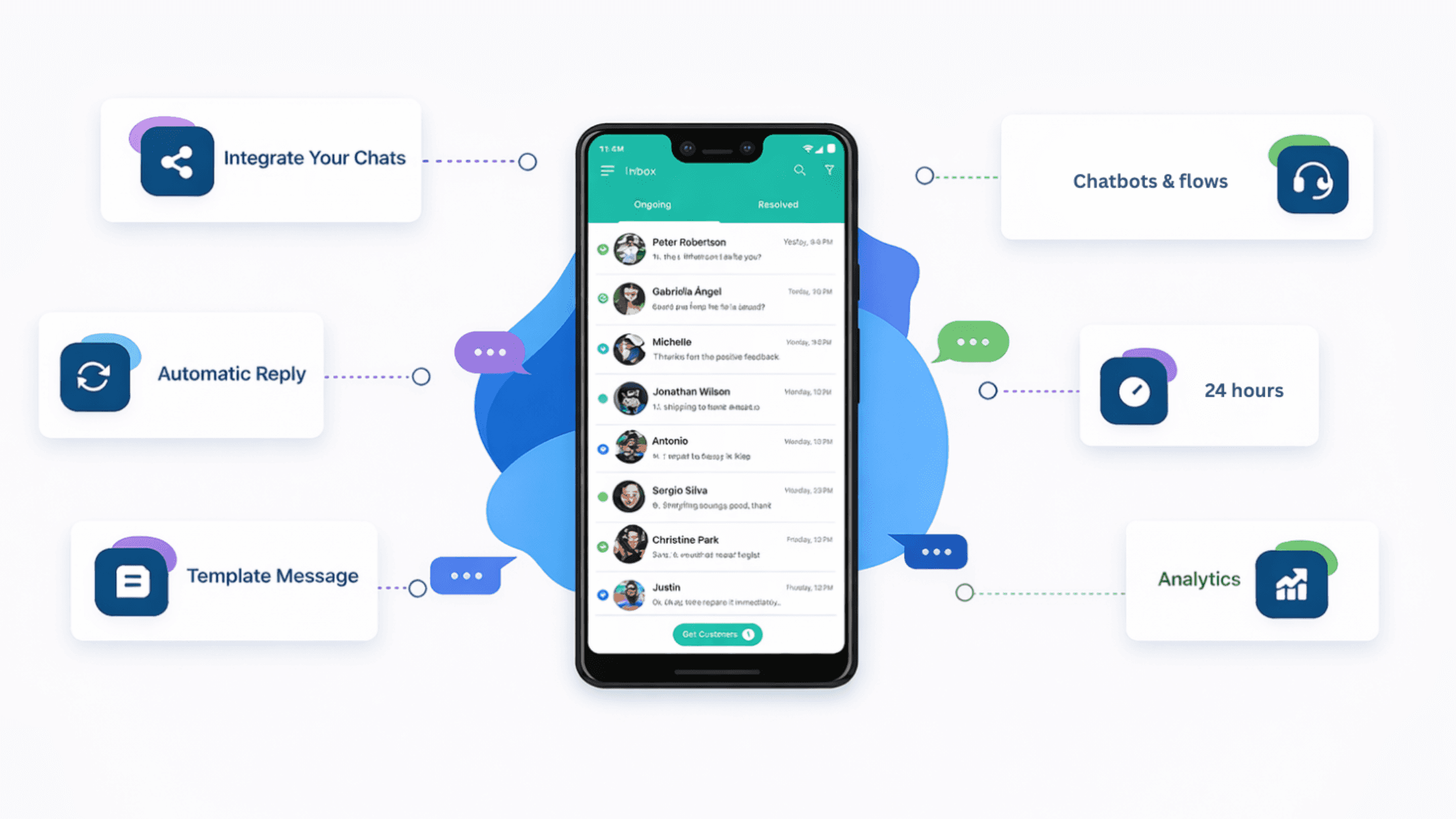
The WhatsApp Business API is the official, scalable version of WhatsApp for businesses, unlike the free app, it supports automation, bulk messaging, CRM integration, and multiple agents handling conversations simultaneously. It's accessed through Meta or through an approved platform like Uptail. There is no consumer-facing interface; everything is managed through software.
WhatsApp App vs. WhatsApp Business App vs. WhatsApp Business API
There are three distinct versions of WhatsApp. Most businesses start with the wrong one and only discover the API when they've already hit the limits of the others.
Feature | WhatsApp App | Business App | Business API |
|---|---|---|---|
Automated messages | No | Very basic | Full automation |
Bulk / broadcast messaging | Limited | Limited | Yes |
Multiple agents / team inbox | No | No | Yes |
CRM integration | No | No | Yes |
Chatbots & flows | No | No | Yes |
Cost | Free | Free | Per conversation |
The free WhatsApp Business app works fine for solo operators.
The moment you need to scale — multiple team members, automated qualification, campaign broadcasts, or syncing to a CRM — the API is the only option.
What Can You Actually Do with the API?
Automation
Build chatbot flows that qualify leads, answer FAQs, and book meetings, with no human involvement until a prospect is ready.
Campaigns
Send personalised broadcast messages to opted-in contacts: promotional offers, follow-ups, reminders, and re-engagement sequences.
Team Inbox
Multiple sales reps or support agents handle WhatsApp conversations from a shared dashboard: with assignment, tagging, and internal notes.
CRM Sync
Every conversation, response, and lead property automatically updates in HubSpot, Salesforce, Pipedrive, or your CRM of choice.
How to Get Access to the WhatsApp Business API
The WhatsApp Business API is not publicly available, access is only granted through a Meta-approved Business Solution Provider (BSP).
Choose a BSP Sign up with a WhatsApp Business Solution Provider like Uptail, who handles the API connection and gives you a ready-to-use interface on top of it. This is the only route for most businesses.
Verify your business on Meta Business Manager You'll need a verified Facebook Business Manager account. Meta will review your business document, typically takes 1–3 business days.
Register a dedicated phone number The number you use for the API cannot also be active on the regular WhatsApp app. It can be a mobile or landline, it just needs to receive a verification call or SMS.
Set up your WhatsApp Business Profile Add your business name, category, description, address, and website. This is what contacts see when you message them.
Build your first flow and go live With API access active, your BSP connects the automation layer, builds your first conversation flow, and launches. Most businesses have their first automated conversation running within 24 hours of approval.
What Does It Cost?
Meta charges per conversation, not per message. A conversation window lasts 24 hours and covers all messages exchanged in that period.
Pricing varies by country and conversation type : marketing, utility, authentication, or service.
In most markets, the cost per conversation ranges from $0.01 to $0.08. At meaningful volume, you'll want to factor this into your unit economics alongside the platform fee.
Who Actually Needs the API?
Businesses receiving more inbound WhatsApp leads than one person can handle manually
Sales teams running outbound prospecting or follow-up sequences on WhatsApp
E-commerce brands sending order updates, cart recovery messages, or promotional campaigns
Any team that needs more than one person responding to WhatsApp conversations
Businesses that want WhatsApp data synced into their CRM automatically
If you're a solo operator handling a handful of conversations a week, the free Business app is enough. If WhatsApp is (or should be) a real revenue channel for your business, the API is not optional.






