
Carlos Delgado
How to Build a WhatsApp Drip Campaign That Converts
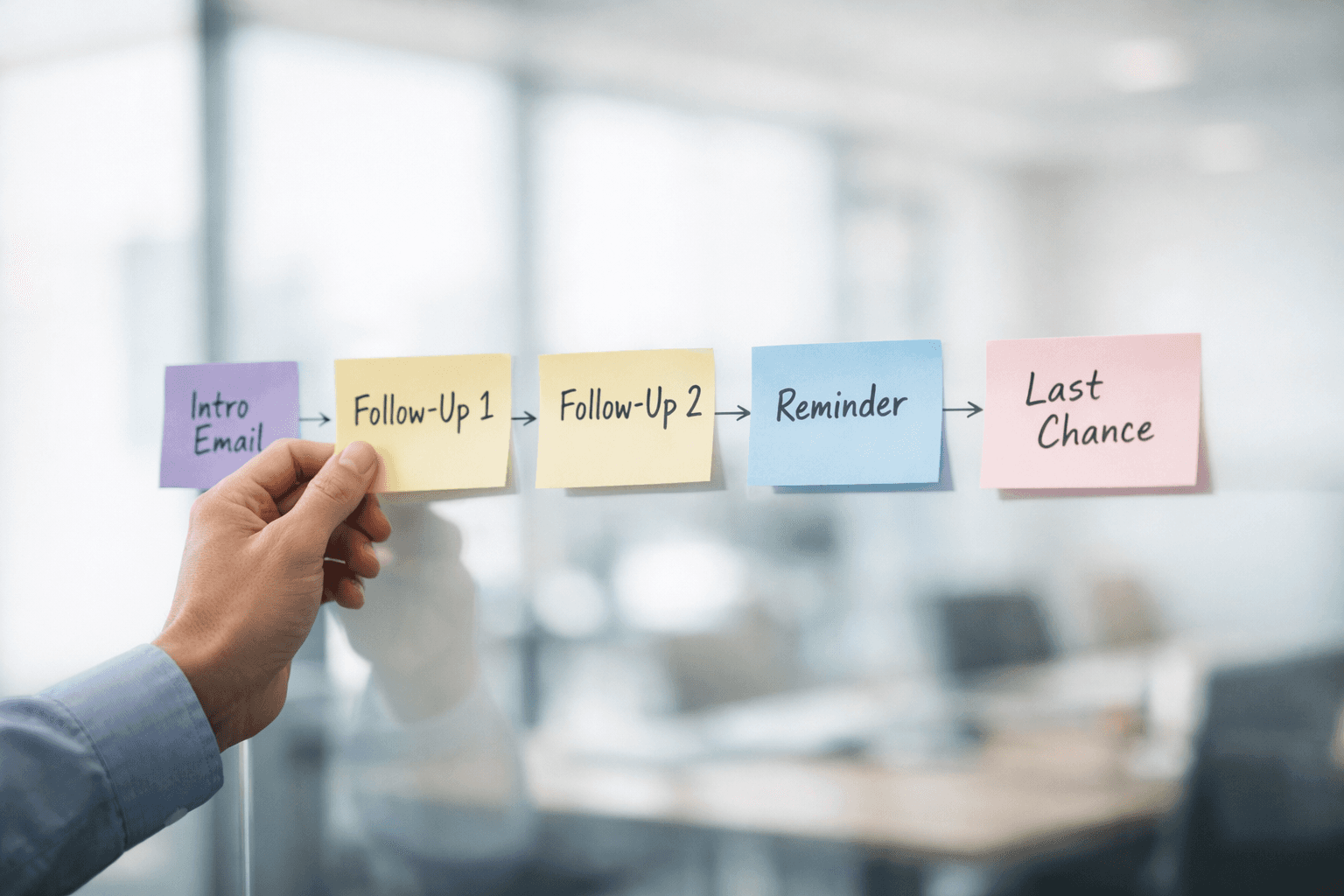
Email drip campaigns are a known playbook, but they run on a channel where open rates sit around 21%. WhatsApp drip campaigns follow the same logic (timed sequences triggered by user behaviour) but run on a channel where messages actually get read.
The result: faster engagement, shorter sales cycles, and fewer leads going cold between touchpoints.
Quick Answer
A WhatsApp drip campaign is a timed sequence of automated messages sent through the WhatsApp Business API, triggered by a user action (opt-in, purchase, appointment booking, or CRM event). Each message uses a pre-approved template, is spaced by defined delays, and can branch based on the recipient's response. Setup requires API access, a message template library, a trigger-and-delay engine, and opt-in compliance.
24/7 WhatsApp Business API enforces a 24-hour customer service window. Messages outside this window require pre-approved templates, a constraint that shapes how every drip sequence is designed.
How WhatsApp Drips Differ from Email Drips
The core concept is the same, automated sequences triggered by events, but WhatsApp's rules change how you design them.
Email Drip | WhatsApp Drip | |
|---|---|---|
Open rate | ~21% (Mailchimp, 2025) | 85–95% reported by platforms |
Message format | Free-form HTML | Pre-approved templates (Meta review) |
Reply handling | Separate inbox | Same thread — two-way by default |
Timing constraint | None | 24-hour service window; templates outside |
Opt-in | Implicit allowed in some regions | Explicit opt-in required globally |
The biggest difference is that WhatsApp drips are two-way. When a recipient replies, the conversation becomes live, which means your drip needs logic to pause the sequence and route to a human (or an AI agent) when engagement signals are high.
Step-by-Step: Setting Up a WhatsApp Drip Campaign
Get WhatsApp Business API access: The free WhatsApp Business app doesn't support drip campaigns. You need the API, either directly through Meta or through a platform that provides it. Most platforms handle the setup and template submission process for you.
Build your message templates: Every message sent outside the 24-hour window must use a template approved by Meta. Write concise, value-driven messages. Avoid promotional language in the first template, Meta rejects anything that reads like spam. Include a clear opt-out option in every message.
Define your triggers: Decide what starts the sequence: a form submission, a click-to-WhatsApp ad, a CRM stage change, an abandoned cart event, or a manual enrollment by a rep. Each trigger should map to a specific drip flow.
Set your timing and delays: Space messages based on the use case. Lead nurture sequences typically work with 24–72 hour gaps. Post-appointment booking reminders can be fired a day/hour before appointment (24h–1h before).
Add branching logic: If the recipient replies, pause the drip and continue to a live conversation. If they don't open a message, try a different template on the next step. If they opt out, stop the sequence immediately and update CRM status.
Connect to your CRM: Every drip event (sent, delivered, read, replied, opted out) should sync to the contact record. This keeps your pipeline accurate and gives your sales team visibility into where each lead sits in the sequence.
3 High-Performing WhatsApp Drip Use Cases
Lead Nurture
3–8 messages over 7–14 days. Share case studies, answer common objections, and offer a meeting link. Best for B2B sales teams with a considered purchase cycle.
Appointment reminders
2–3 messages within 24 hours up until an hour before. Remind, offer help, then incentivise. Works best for B2C companies with WhatsApp checkout integration.
Re-Engagement (Revival messages)
1–2 messages to dormant contacts. Share a relevant update or ask if they're still interested. Keep it light, one unanswered message means stop.
Mistakes That Get Your Number Flagged
Sending without explicit opt-in: Meta monitors quality scores. Low-quality contacts lead to restrictions on your number.
Too many messages, too fast: WhatsApp is a personal channel. More than one message per day feels intrusive and drives opt-outs.
No opt-out mechanism: Every template must include a way to unsubscribe. Missing this risks template rejection and account suspension.
Ignoring replies: If a recipient responds and gets no answer (because the drip keeps running), trust drops immediately. Always pause the sequence on reply.
WhatsApp drip campaigns work because they run on a channel people actually check.
But the 24-hour window, template review process, and quality score system mean you can't just copy your email playbook.
The sequences need to be shorter, more valuable per message, and designed for two-way conversation, not broadcast.






