
Carlos Delgado
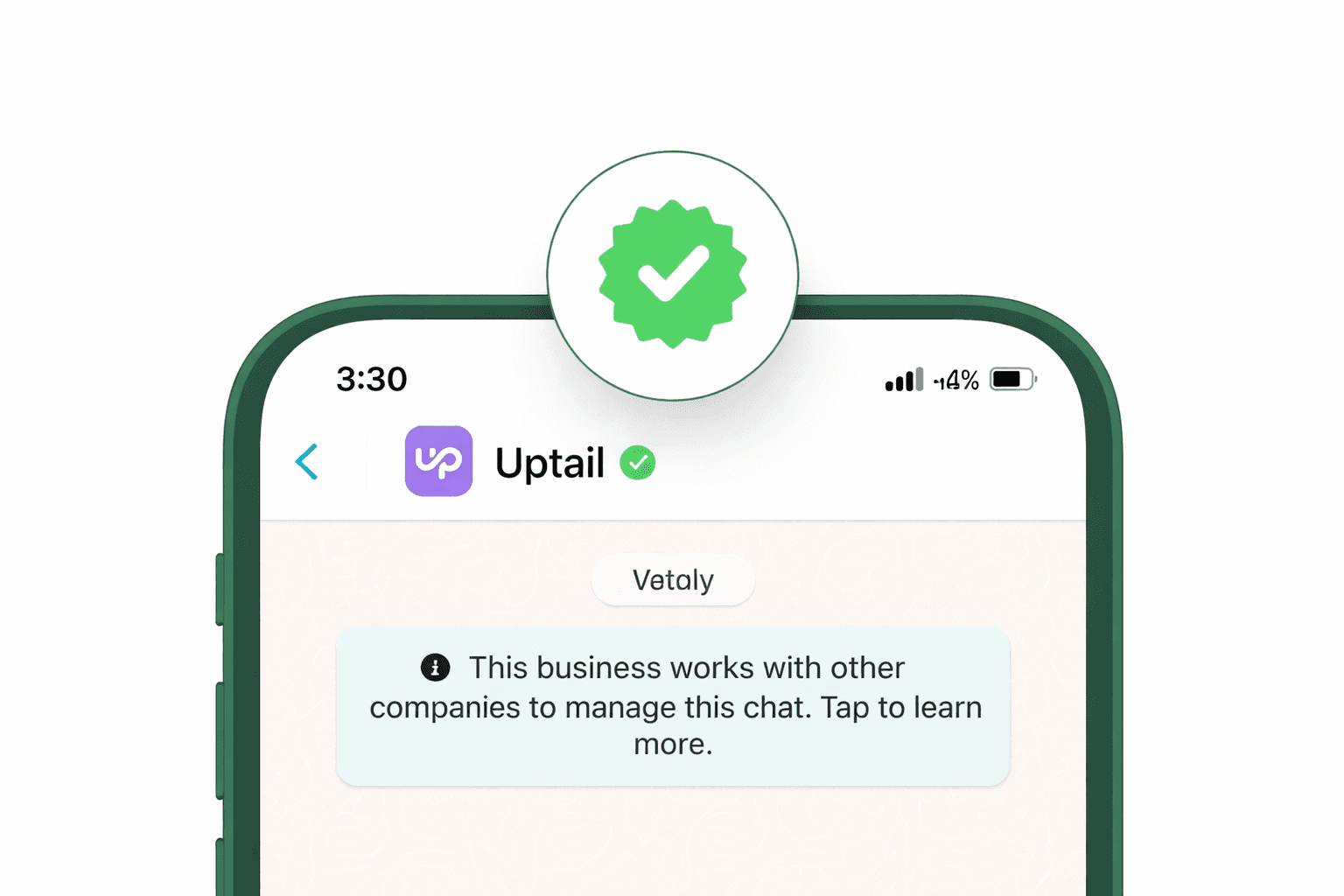
How to Get the WhatsApp Green Tick for Your Business (2026 Guide)
Everything you need to know about getting verified on WhatsApp, from eligibility to options for implementation to the 2026 shift from green to blue.
Quick Answer
The WhatsApp green tick (now a blue tick since Meta's 2024 rebrand) is a verified badge that appears next to your business name in chats, confirming your account is a real, Meta-authenticated business. To get it, you need a WhatsApp Business API account and Meta Business Manager verification, then either demonstrate brand notability through press coverage (free Official Business Account route) or pay for a Meta Verified subscription (faster, available to smaller businesses). Approval takes anywhere from a few hours to several weeks depending on which path you take.
What Is the WhatsApp Green Tick?
The WhatsApp green tick is a verified badge that appears next to a business's display name inside the chat window. It tells customers that Meta, the parent company behind WhatsApp, has reviewed the account and confirmed it belongs to a real, notable business. Accounts carrying this badge are classified as Official Business Accounts (OBAs).
Key distinction: The green tick is not the same as the blue "read receipt" ticks you see on personal messages. Those blue double checks indicate a message has been read. The business verification badge is a separate trust signal entirely.
Green Tick vs. Blue Tick: What Changed
If you've been researching this topic, you've probably noticed some confusion around colors. Here's the timeline: WhatsApp originally used a green checkmark for verified business accounts. In 2024, Meta unified its verification badge across Instagram, Facebook, and WhatsApp, and the color changed to blue.
Functionally, nothing changed. The verification criteria, the benefits, and the Official Business Account status all remain the same. The rebrand was purely cosmetic, designed to give customers a consistent trust signal regardless of which Meta platform they're using.
Why Verification Matters for Your Business
In an era of growing digital fraud, customers are cautious about interacting with unknown numbers. A verified badge solves that problem instantly. Here's what it unlocks:
Instant Trust
Customers see your brand is Meta-verified before opening a message.
Brand Name Display
Your business name shows to everyone, even unsaved contacts.
WhatsApp Search
Verified accounts are discoverable via in-app search by name.
Higher Engagement
Verified accounts see better open rates and response rates.
Anti-Impersonation
The badge protects your brand from fake accounts and scams.
Customer Confidence
People are more willing to share details and complete purchases.
The impact is especially significant for businesses in sensitive industries, banking, healthcare, e-commerce, and education, where customers need reassurance they're communicating with a legitimate entity before sharing personal information or making transactions.
Eligibility Requirements
Not every business qualifies for the verified badge. Meta evaluates applications based on identity, authenticity, and notability. Here are the baseline requirements you'll need to meet:
WhatsApp Business API account: the green/blue tick is only available to businesses on the API (not the standard Business App, unless using the paid Meta Verified subscription).
Meta Business Manager verification: your business must be verified through Meta's Security Centre with legal documents like a tax ID, incorporation papers, or utility bills.
Two-step authentication enabled: a security requirement for all verification applicants.
Registered business entity: individual accounts are not eligible. You must operate as a legally registered company.
Brand notability: Meta requires evidence that your brand is well-known. This typically means 3–5 organic press articles in reputable publications. Paid advertorials usually don't count.
Messaging tier 1 or above: your WhatsApp account should be in good standing with a reasonable messaging history.
Two Paths to Verification in 2026
As of 2026, there are two distinct ways a business can earn the verified badge on WhatsApp. The right path depends on your brand's size, budget, and existing online presence.
1. Free Official Business Account (OBA)
The traditional, merit-based path, best for established brands with strong media presence.
Requires WhatsApp Business API
Applied through a BSP
Meta evaluates notability
No monthly fees
Stricter approval standards
2. Meta Verified Subscription Paid
A newer, subscription-based path. Accessible to smaller businesses via the WhatsApp Business App.
Available on Business App
Monthly subscription fee
Faster approval process
Includes impersonation protection
Available in select countries
The OBA route remains the gold standard for larger, recognizable brands, it's free and carries additional weight. But the Meta Verified subscription has democratized access, allowing smaller businesses in supported regions (including India, Brazil, Indonesia, and Colombia) to earn the badge without needing national-level press coverage.
Frequently Asked Questions
Does the green tick cost anything?
Through the OBA (API) route, there's no fee to apply or receive the badge, though you'll need a BSP partnership which may have its own costs. The Meta Verified subscription route involves a monthly fee that varies by region and plan tier.
Can I get verified on the free WhatsApp Business App?
Yes, through the paid Meta Verified subscription, which is now available directly within the Business App in select countries. The free OBA path still requires the WhatsApp Business API.
How long does the verification process take?
Timelines vary. The paid Meta Verified route can be approved within hours to a few days. The OBA route through a BSP typically takes anywhere from a few days to several weeks depending on Meta's review queue.
Can I lose my verified badge?
Yes. Major changes to your business name or profile photo can temporarily remove the badge and may require re-verification. Violating WhatsApp's business policies can also result in loss of verified status.
Do I get extra features with the green/blue tick?
The core API features (broadcasts, chatbots, templates, etc.) are the same for verified and unverified accounts. The main advantages of the badge are customer-facing: brand name display, search discoverability, and the trust signal itself.






