Carlos Delgado
WhatsApp Automation with Chat History + Human Handoff: The Complete Guide for 2026

WhatsApp automation with chat history and human handoff is a system that uses an AI agent connected to the WhatsApp Business API to handle inbound conversations automatically, while preserving the full conversation history and transferring to a live team member whenever the situation requires human judgment.
When a conversation escalates, the human agent receives the complete thread, every message sent and received, every question asked, every answer given, and picks up without asking the customer to repeat themselves.
Quick Answer
WhatsApp automation with chat history and human handoff connects an AI agent to your WhatsApp Business number. The agent handles conversations automatically, logs every interaction, and transfers to a live team member the moment it detects an escalation trigger. The human agent receives full context instantly and continues the conversation in the same thread. Businesses using this model report faster resolution times, lower agent workload, and higher customer satisfaction compared to fully manual or fully automated setups.
What Is WhatsApp Automation with Chat History + Human Handoff?
WhatsApp automation with chat history and human handoff is the combination of two capabilities that, separately, each have limitations:
WhatsApp automation alone handles high volume efficiently but fails when conversations require nuance, negotiation, or emotional sensitivity. Without a handoff mechanism, leads that need a human wait too long or fall through entirely.
Human agents alone provide quality but cannot scale. They miss messages outside office hours, lose context when picking up a conversation mid-thread, and spend time on repetitive exchanges that do not require human judgment.
Combining both, with full chat history preserved throughout, gives businesses the speed and availability of automation with the quality of human intervention exactly when it is needed.
The chat history component is what makes the handoff work. When a human agent receives a transferred conversation, they see:
Every message the customer sent, with timestamps
Every response the AI agent provided
Qualification data collected during the conversation
The trigger reason for the escalation
No context is lost, no customer has to explain themselves twice.
How WhatsApp Automation with Chat History + Human Handoff Works: Step by Step
Step 1: The Customer Initiates Contact
The customer reaches your WhatsApp number via a Click-to-WhatsApp ad, a QR code, a link on your website, or a direct referral. The AI agent responds within seconds, acknowledges the message, and begins the conversation.
Step 2: AI Agent Handles the Conversation
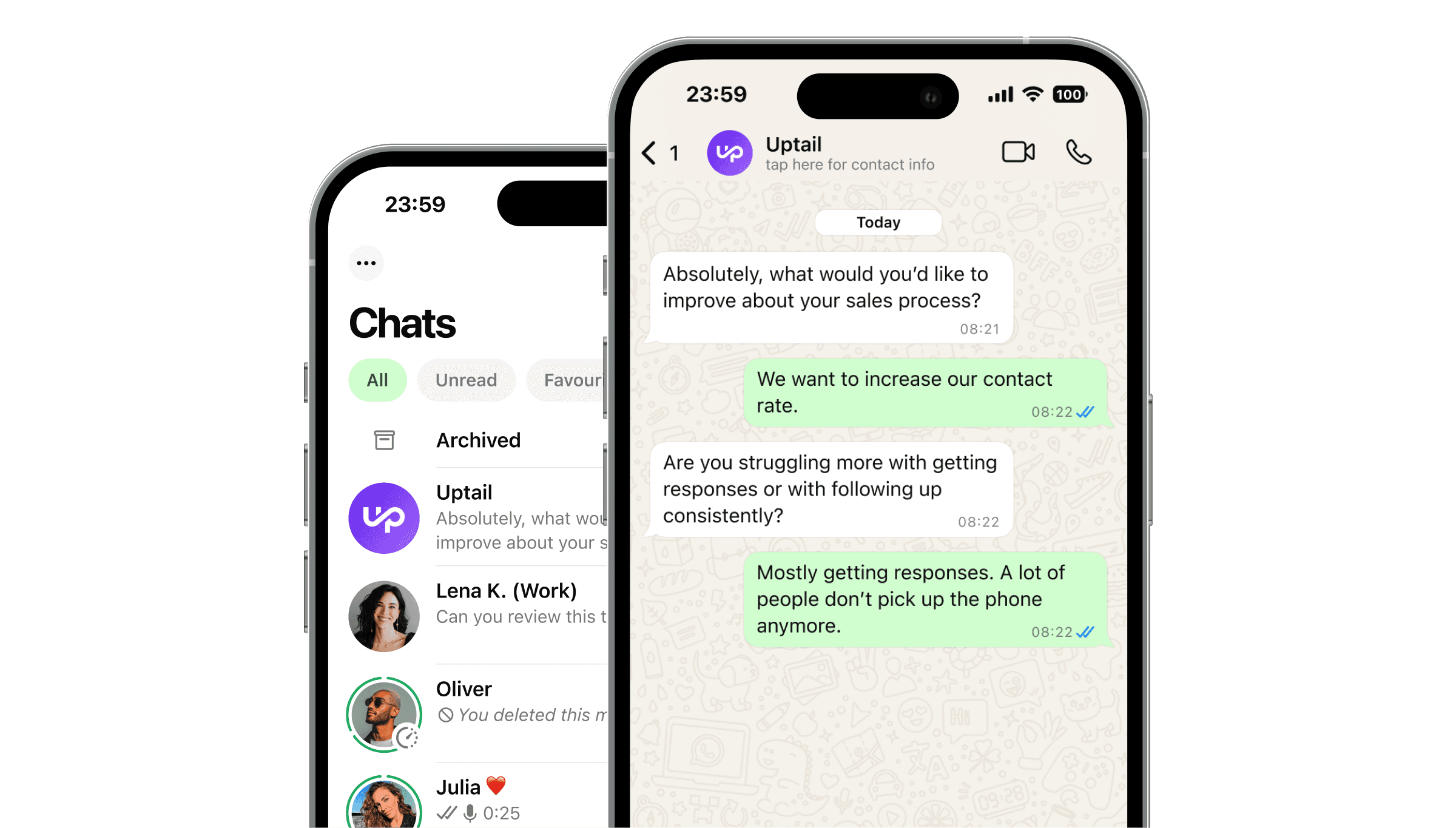
The AI agent qualifies the customer, answers common questions, collects information, and guides the conversation toward the desired outcome, a booking, a quote request, a product recommendation, or a support resolution. Every exchange is logged in real time to the conversation record.
Step 3: Escalation Trigger Is Detected
The AI agent monitors the conversation for escalation signals. Common triggers include:
The customer explicitly asks to speak with a person
The AI agent detects a complaint or frustrated tone
The conversation involves a topic outside the agent's defined scope (pricing negotiation, refund, custom contract)
The customer's question has not been resolved after a defined number of attempts
Step 4: Human Handoff with Full Context
When an escalation trigger fires, the conversation is transferred to the relevant human agent or team queue. The agent receives the full chat history along with any structured data collected during the automated phase: name, contact details, service type, urgency level.
The customer receives a brief notification that a team member will continue the conversation. Average handoff time with a well-configured system is under 30 seconds.
Step 5: Human Agent Resolves the Conversation
The human agent continues in the same WhatsApp thread. Because the full history is visible, they can reference what has already been discussed and move straight to resolution. Once the conversation is closed, it is logged for reporting and quality review.
Step 6: Return to Automation (Optional)
After human resolution, some workflows return the customer to an automated flow, for example, to send a satisfaction survey, schedule a follow-up, or trigger a nurture sequence. This depends on the outcome of the human interaction and the rules your team defines.
Use Cases by Industry
Education and Training
Enrolment teams use WhatsApp automation to handle initial enquiries, qualify prospective students, and book intake appointments automatically. When a prospective student asks about scholarships, payment plans, or accreditation, topics that vary by case, the conversation escalates to an admissions advisor with full context already loaded.
Beauty and Wellness
Salons and clinics automate booking confirmations, reminders, and product recommendations via WhatsApp. When a client raises a complaint or requests a refund, the AI detects the negative sentiment and routes immediately to a senior team member, with the full interaction history attached.
Real Estate
Agencies qualify inbound leads automatically (budget, property type, location preference, timeline) and only escalate to an agent when the lead is ready to view a property or negotiate terms. Human agents spend their time on warm conversations, not cold qualification.
B2C Direct Sales
Sales teams use automation to handle the high volume of inbound leads at first contact, particularly outside office hours. Qualified leads are escalated to human closers during business hours. Leads that need more nurturing stay in the automated follow-up flow until they are ready.
What to Look for When Choosing a Platform
Unbroken Conversation Thread: Confirm the platform maintains a single thread across AI and human interactions. Platforms that open a new thread on handoff break the customer experience and lose history.
Managed vs. Self-Serve: Self-serve platforms give you tools to build your own flows and escalation logic. Managed solutions build and maintain the system for you, faster to launch, lower ongoing technical overhead. For businesses without a dedicated technical team, managed is typically the better fit.
CRM Integration: Conversation history should sync to your CRM so human agents have both the WhatsApp thread and the customer record in one place. Native integrations with HubSpot, Salesforce, and common CRMs are a practical requirement.
Sentiment and Intent Detection: Basic keyword triggers miss context. A platform with intent and sentiment detection handles escalation more accurately, catching frustrated customers even when they do not use an obvious keyword.
Reporting on Both Layers: You need visibility into automation performance and human agent performance in the same reporting view. Siloed analytics make it impossible to optimise the combined system.
Pay-Per-Results vs. Monthly Fee: Some platforms charge a flat monthly fee regardless of outcomes. Pay-per-results models align the platform's incentives with yours, you pay when the system delivers, not just when it runs.
Frequently Asked Questions
Why does chat history matter in a human handoff?
Without full chat history, the human agent receiving an escalated conversation has no context. They must ask the customer to repeat information already provided, which creates frustration and delays resolution. Persistent chat history means the agent can read the thread, understand the situation immediately, and pick up where the AI left off.
What triggers a human handoff in WhatsApp automation?
Common triggers include an explicit customer request to speak with a person, detection of a complaint or frustrated sentiment, a topic outside the AI agent's defined scope (pricing negotiation, refunds, custom requests), or an unresolved query after a defined number of attempts. Triggers are configurable to match each business's escalation rules.
Can the AI agent resume after a human handoff?
Yes, depending on how your workflow is configured. After a human agent resolves the conversation, automation can be reactivate, for example, to send a satisfaction survey, a follow-up message, or a reminder. The decision to resume automation is controlled by the human agent or by outcome-based rules defined in your setup.
How long does it take to implement WhatsApp automation with human handoff?
With a managed solution like Uptail, typical time-to-launch is 1–3 weeks. This includes API access, CRM integration, flow design, escalation rule configuration, shared inbox setup, and end-to-end testing. Self-serve implementations vary depending on internal technical resources.
Does this work for businesses that operate outside office hours?
Yes. The AI agent handles conversations 24/7 and queues escalations for human agents. When an escalation fires outside business hours, the conversation is held in the queue and the human agent picks it up at the start of the next working day, with the full thread intact and no information lost.