Carlos Delgado
WhatsApp lead generation automation uses an AI agent connected to the WhatsApp Business API to capture, qualify, and convert inbound leads automatically, without requiring your sales team to be available at the moment a lead arrives.
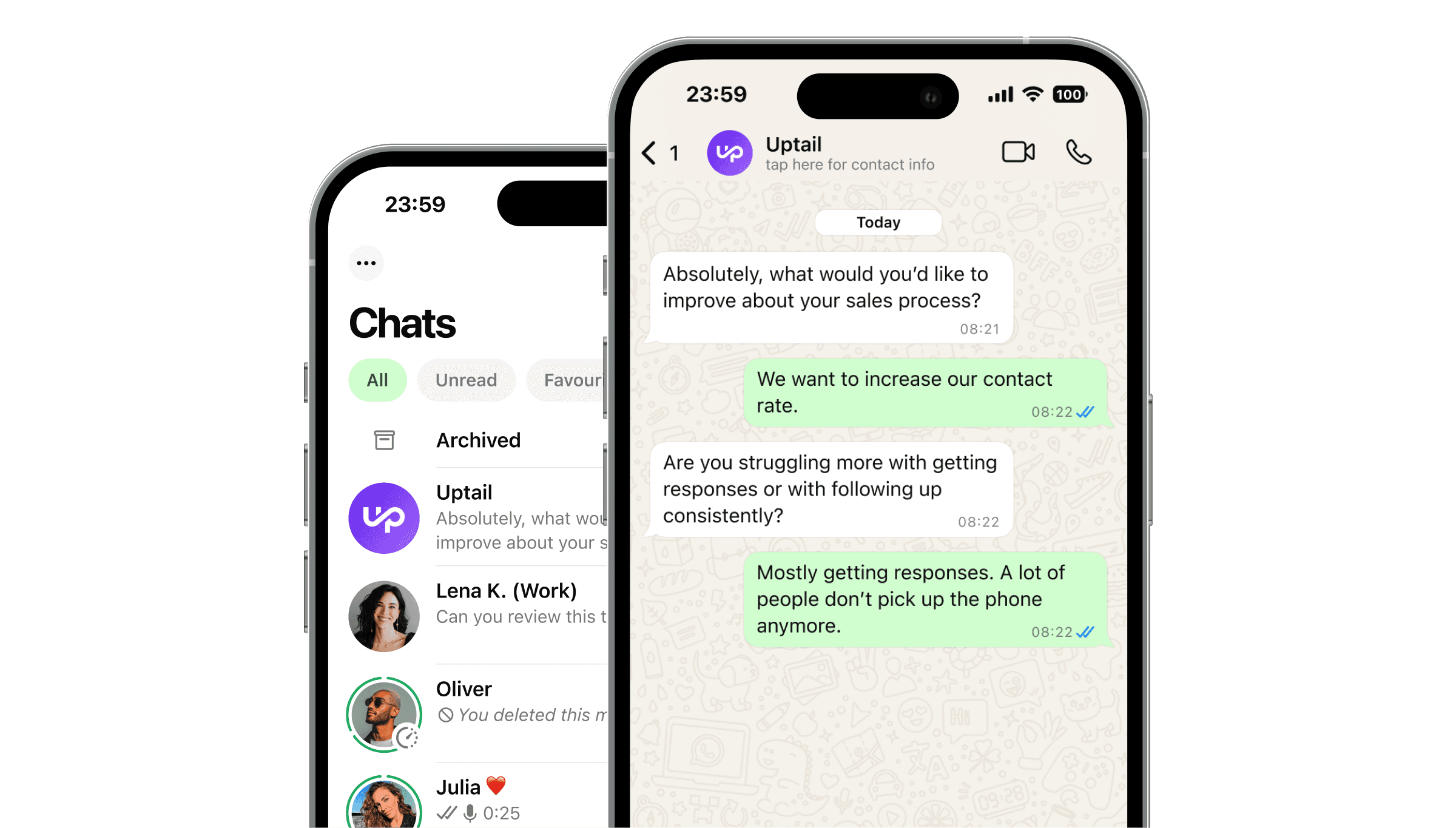
When a prospective customer reaches your WhatsApp number, the AI agent engages instantly, asks the right qualifying questions, and moves the conversation toward a booked call or appointment.
Every interaction is logged, and leads that need human attention are escalated to a team member with full context. The result is a lead generation system that runs 24/7, responds in seconds, and hands off only when a human is genuinely needed.
Quick Answer
WhatsApp lead generation automation connects an AI agent to your WhatsApp Business number. When a lead comes in the agent responds immediately, qualifies the lead with 1–2 questions, and moves them toward the next step in your funnel. Speed to first response is the single biggest variable in lead conversion, and automation eliminates the delay entirely.
What Is WhatsApp Lead Generation Automation?
WhatsApp lead generation automation is the process of using software, typically an AI agent connected to the WhatsApp Business API, to capture leads, engage them instantly, qualify their intent, and move them through your sales funnel, all within a WhatsApp conversation.
It replaces the manual first-response step that most sales teams struggle with: the window between a lead submitting a form and a human agent actually reaching them. On average, that window is several hours, by then, the lead has moved on.
The system connects to:
Your lead sources (Click-to-WhatsApp ads, website forms, QR codes, inbound direct messages) via webhook or API integration
Your WhatsApp Business API number through a Meta-approved Business Solution Provider (BSP)
Your CRM (HubSpot, Salesforce, or a custom setup) to log lead data and trigger follow-up sequences
Your calendar or booking system to convert qualified leads directly into appointments
How WhatsApp Lead Generation Automation Works: Step by Step
Step 1: Lead Is Captured
A prospective customer interacts with one of your lead capture touchpoints: they click a WhatsApp button on a landing page, scan a QR code at an event, click a Click-to-WhatsApp ad on Meta, or send a direct message to your WhatsApp number. The lead capture event triggers the AI agent instantly.
Step 2: Instant First Response
The AI agent sends the first message within seconds of the lead arriving, regardless of the time of day or day of the week. This first message acknowledges the lead, introduces the agent, and opens the conversation. The speed of this first response is the primary driver of whether the lead engages.
Step 3: Qualification
The AI agent asks 1–2 qualifying questions to establish intent, urgency, and fit. Keeping qualification short is deliberate: every additional question is a drop-off risk. The goal at this stage is not to collect all possible data, it is to keep the conversation alive long enough to get the lead to the next step.
Common qualifying questions vary by industry:
For education: course of interest and timeline
For real estate: budget range and property type
For beauty: service type and preferred date
For B2C services: specific need and location
Step 4: Lead Scoring and Routing
Based on the qualification answers, the AI agent routes the lead:
High intent: Move directly to booking or connect with a human agent
Medium intent: Continue the conversation with more information and a softer CTA
Low intent or unqualified: Move into a nurture sequence for follow-up over the coming days
This routing logic replaces the manual triage that most sales teams do at the start of every shift, and does it in real time, for every lead, without delay.
Step 5: Conversion Action
For high-intent leads, the AI agent moves the conversation toward a conversion action: a booked appointment, a confirmed call slot, a completed quote request. The agent presents available time slots as quick-reply buttons, confirms the booking, and sends a confirmation message via a Meta-approved WhatsApp template.
Step 6: CRM Sync and Follow-Up
All lead data collected during the conversation (name, contact details, qualification answers, lead score, and outcome) is synced to your CRM automatically. Leads that did not convert immediately are enrolled in a follow-up sequence: automated WhatsApp messages sent at defined intervals to re-engage interest.
Step 7: Human Handoff When Needed
When the AI agent detects that a lead requires human judgment, a complex question, a negotiation, an explicit request to speak with a person, it transfers the conversation to a team member with the full chat history attached. The human agent picks up without asking the lead to repeat anything.
Key Features of WhatsApp Lead Generation Automation
Instant Response at Capture: The system must fire within seconds of the lead arriving. A 5-minute delay reduces response rate significantly. A 30-minute delay reduces it by more than half. Look for platforms that trigger the AI agent via webhook the moment the lead is captured, not on a polling schedule.
Conversational Qualification: A rules-based flow handles simple qualification well. An AI agent handles open-ended responses better, when a lead says "I'm not sure which course is right for me" instead of selecting from a list, the AI interprets intent and routes correctly.
Lead Scoring: Not all leads are equal. Your automation system should assign a score based on qualification answers and route leads accordingly. High-intent leads go straight to a human or a booking flow. Lower-intent leads go into nurture.
Multi-Step Follow-Up Sequences: Most leads do not convert on the first message. A WhatsApp follow-up sequence, typically 3–5 messages sent over 7–14 days, re-engages leads who went quiet after the initial contact. Sequences should be spaced to avoid feeling intrusive and should offer clear value at each touchpoint.
Human Handoff with Chat History: When a lead escalates to a human agent, the agent must receive the complete conversation history. Systems that reset context at handoff force leads to repeat themselves and reduce conversion.
CRM Integration: Lead data collected during the WhatsApp conversation must flow directly into your CRM. Without this, leads captured outside office hours exist only in WhatsApp until someone manually transfers them, creating data gaps and missed follow-ups.
Analytics: Track response rate by lead source, qualification completion rate, conversion rate by intent tier, and revenue attributed to the WhatsApp channel. These metrics let you optimise the flow over time and identify which lead sources produce the highest-quality inbound.
Frequently Asked Questions
How many qualifying questions should the AI agent ask?
Keep it to 1–2 questions for first contact. Every additional question increases the chance the lead drops off before qualifying. The goal of the first conversation is not to collect all possible data, it is to keep the lead engaged long enough to move them to the next step. Additional qualification can happen later in the conversation or during the human handoff.
What happens to leads that don't respond to the first message?
Leads that do not respond to the first message are enrolled in an automated follow-up sequence — typically 3–5 messages sent over 7–14 days. Each follow-up offers a reason to re-engage: a piece of useful content, a different angle on the offer, or a simple check-in. Follow-up sequences recover a meaningful percentage of leads that initially go quiet.
How long does it take to go live with WhatsApp lead generation automation?
With a managed solution like Uptail, typical time-to-launch is 1–3 weeks. This includes API access setup, lead source connections, qualification flow design, CRM integration, follow-up sequence creation, template submission, and end-to-end testing. Self-serve platforms vary depending on internal technical resources and the complexity of your lead routing logic.